Key takeaways
- The ways migrations fail are mundane, not exotic. Exports are dirtier than they look, historical context does not survive the move, and the reconciliation work lands on whoever notices first.
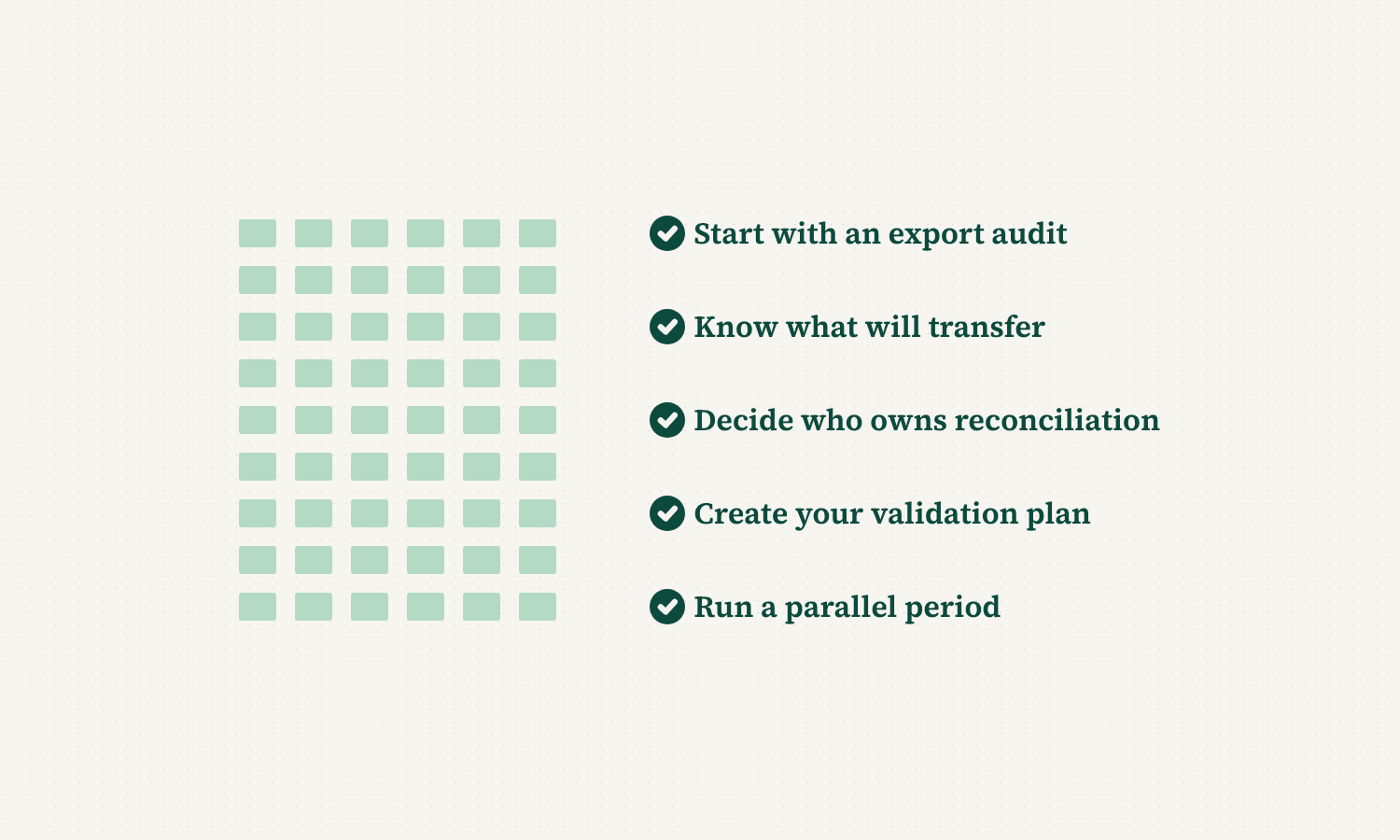
- Start with an export audit, not an export deadline. Pull a real export from the legacy system and inspect it — duplicate contacts, address formatting, whether notes and attachments are included — before anyone commits to a date.
- Make the vendor state exactly what transfers. Which fields migrate automatically, which need manual mapping, and which cannot be preserved at all. Vague answers there are a warning sign, not a technicality.
- Name an owner for flagged records, and run a parallel period. Reconciliation needs a person and a deadline before the migration starts, and even a brief overlap between the two systems catches problems while they are still cheap to fix.
Data migration comes up in almost every conversation we have with IT managers and program managers evaluating a new compliance platform. It is usually the first real worry, ahead of pricing, ahead of training, ahead of almost everything else.
That worry is well earned. Migrating years of backflow, FOG, stormwater, or pretreatment records out of a legacy system is genuinely difficult, and it is one of the few pain points we have seen actively increasing in recent conversations. This guide walks through why migrations go wrong, and what a well-run one actually looks like.
Why legacy data migrations go wrong
Most migration problems trace back to a small number of root causes, and none of them are exotic.
The export is dirtier than anyone expects. A legacy system that has been in use for a decade or more accumulates inconsistencies: duplicate contact records, mismatched keys between related tables, address formats that changed three times along the way. An export that looks clean in a spreadsheet often is not clean underneath. Sometimes data is exported that is not necessary.
Historical context does not survive the export. Pass and fail results might transfer, but the notes explaining an unusual result, the reason a device was flagged, or the history of a resolved violation often gets left behind. That context matters the next time someone looks at the record.
Nobody owns the reconciliation. When a migration surfaces thousands of records that need a human decision, that work has to land somewhere. Too often it lands informally on whoever happens to notice the discrepancy first, weeks after the migration was supposed to be finished.
What this actually looks like
A program manager we spoke with described reviewing a legacy export with roughly 10,000 entries and finding a large share of them flagged for manual review. Another described receiving a nine-file export from a prior vendor with no documentation of how the files related to each other, which produced a mapping error that took weeks to fully untangle.
Neither of these programs did anything wrong by using a legacy system for years. The problem is what happens at the boundary, when years of accumulated data has to move somewhere new. That boundary is where migrations succeed or fail.
A practical framework for a clean migration
Start with an export audit, not an export deadline. Before committing to a migration timeline, get a real export from the legacy system and look at it closely. Count duplicate contacts. Check whether addresses are formatted consistently. Confirm whether historical notes and attachments are included or excluded. You should validate your data, but a good vendor should have a strong QA process to ensure data has transferred successfully before even handing it to you.
Ask exactly what will and will not transfer. A vendor should be able to tell you precisely which fields migrate automatically, which require manual mapping, and which cannot be preserved at all. Vague answers here are a warning sign, not a technicality.
Decide who owns reconciliation before the migration starts. Flagged records need a named owner and a deadline, not an open-ended queue that quietly grows. Building this into the project plan up front prevents the most common source of post-migration frustration.
Run a parallel period, however brief. Even a short overlap where both the legacy system and the new one are checked against each other catches problems while they are still easy and inexpensive to fix, rather than months later when a record is needed for an audit.
Treat data migration as an IT decision, not just a program decision. The compliance program owns the data. IT owns the risk of how it moves. Both perspectives need a seat at the table from day one.
What this looks like from an IT standpoint
For an IT manager, a migration is fundamentally a risk-management exercise, not a data-entry task. The real question is not whether data can be moved, but how much of it can be verified once it lands.
A credible migration plan includes a clear method for validating record counts before and after, a documented mapping for every field that changes structure, and a rollback plan if something goes wrong mid-migration. Ecosystem connectivity between the old system and the new one, even temporarily through a flat-file export, makes verification dramatically easier than a single all-at-once cutover.
Security matters here too. A migration is often the moment when the most sensitive historical data, including compliance violations and enforcement history, moves between systems. That transfer should happen through a documented, auditable process, not an ad hoc file transfer with no record of what moved and when.
Why this matters more now, not less
Compliance programs are growing, and growing programs accumulate more historical data every year that eventually has to migrate somewhere. A migration that would have been manageable at 1,000 records becomes a genuinely difficult project at 10,000.
At the same time, more utilities are consolidating multiple legacy systems into one platform at once, which multiplies the number of export formats, field structures, and historical quirks a single migration has to account for. Waiting does not make this easier. It usually makes the eventual migration larger.
What good looks like once it is done
A completed migration should leave you with more confidence in your data, not less. Every assembly, industrial user, or stormwater asset should have a complete, chronological history attached to it, with no unexplained gaps.
Coordinators should be able to answer a question about any single record without needing to check a second system or ask whether the old data made it over. That level of confidence is the actual goal of a migration, not just moving files from one place to another.
A checklist before you commit to a migration date
- Have you reviewed a real export from your legacy system, not just a sample?
- Do you know if all of your key pieces of historical data can be migrated, or if the vendor will need to leave anything behind?
- Has someone been assigned to own flagged-record reconciliation, with a deadline?
- Is there a plan to validate record counts before and after the migration?
- Will there be a parallel period where both systems can be checked against each other?
If you cannot answer all five with confidence, that is worth resolving before a migration date gets set, not after.
Where to start
A well-run migration is not the absence of problems. It is having a plan for the problems you already know are coming.
Start with the export audit. Everything else in this guide follows from what that audit reveals.
SwiftComply’s implementation team has guided data migrations for backflow, stormwater, pretreatment and FOG programs of every size, including full-history migrations from legacy systems that other vendors could not fully preserve. Trusted by more than 700 customers protecting over 50 million citizens across North America. If a legacy migration is standing between you and a better system, we would like to show you how we handle it.